| Bookmark Name | Actions |
|---|
Employee Management
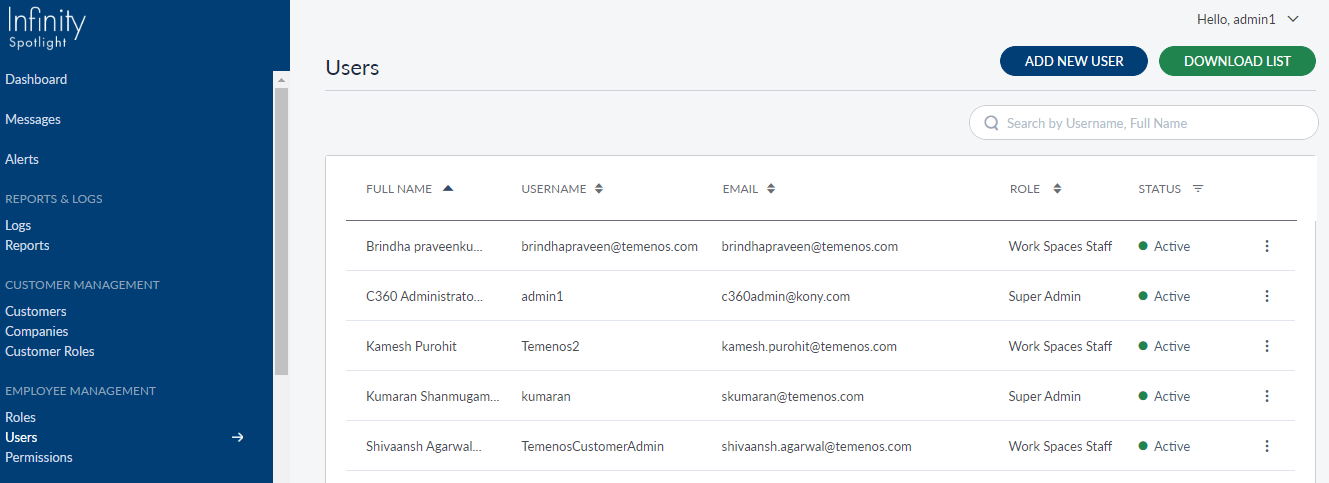
Employees of the bank or credit union are the primary users of the Spotlight application. The Spotlight application enables addition of users and assigning relevant roles to them based on the tasks and activities they need to perform in this application. Each user can be assigned a single role and inherits the permissions available from the role assigned. Only an employee with the role "Super Admin" can add more users to the application. When a new user is added, he receives an email to set up his password and start using the application.
We have defined five Roles out of the box in the Spotlight application, with certain permissions assigned to them. These roles can be edited or removed during actual implementation without impacting the application. New roles can be created easily as described later in this documentation. Roles need permissions to make them functional. There is no limit on the number of roles or permissions that can be assigned to these roles. The Super Admin role has all the permissions. Permissions for other roles vary based on their tasks and requirements. Permissions cannot be created from the Spotlight application. They need to be created in the back-end database and associated with the right UI components to make them functional.
Use the feature to manage mange users, roles, and permissions. The app displays the list of features that are available as part of the module.
The following features have been explained in this section:
Add Bookmark
save your best linksView Bookmarks
Visit your best links BACK
BACK


Are you sure you want to log-off?